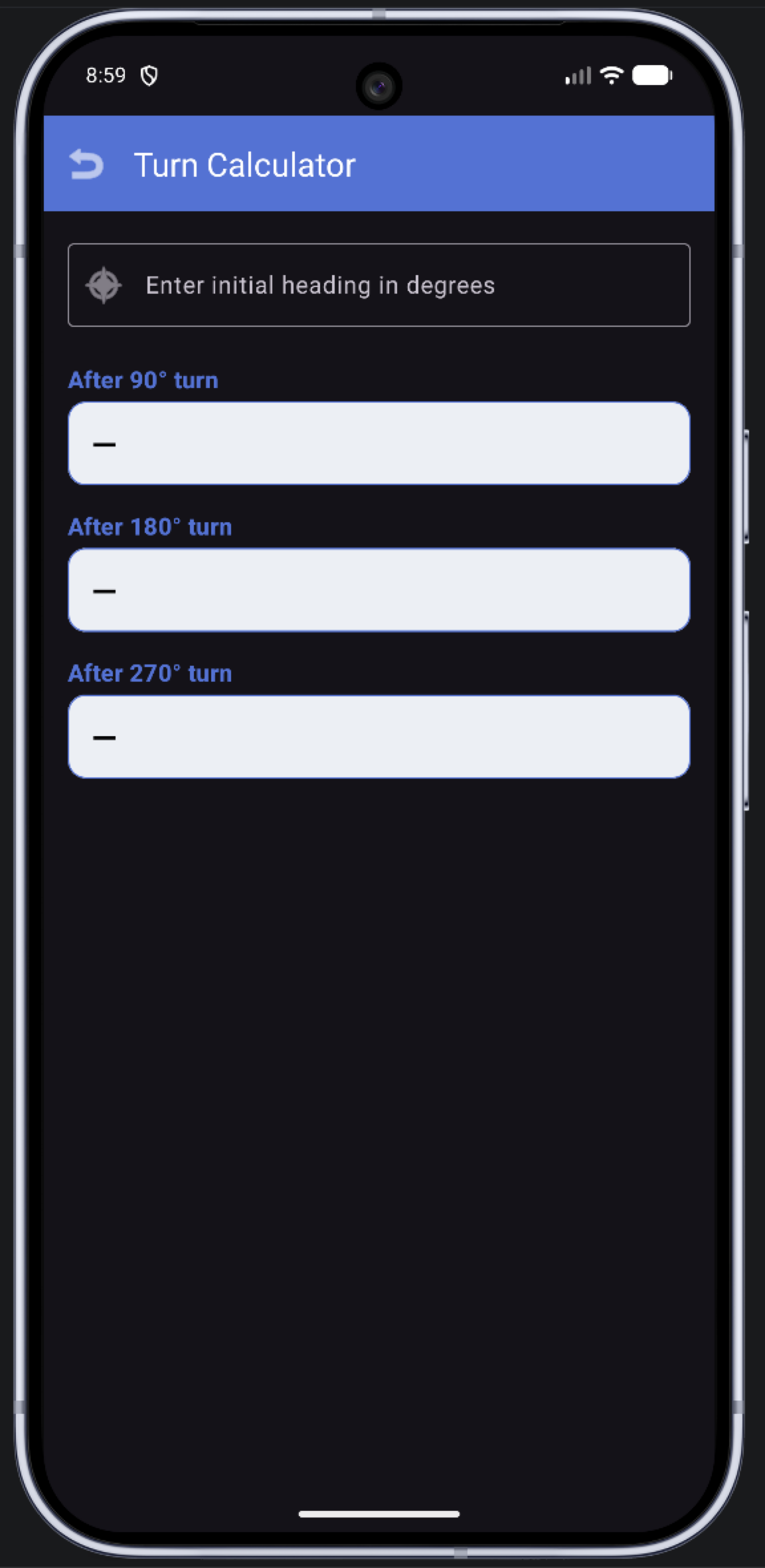
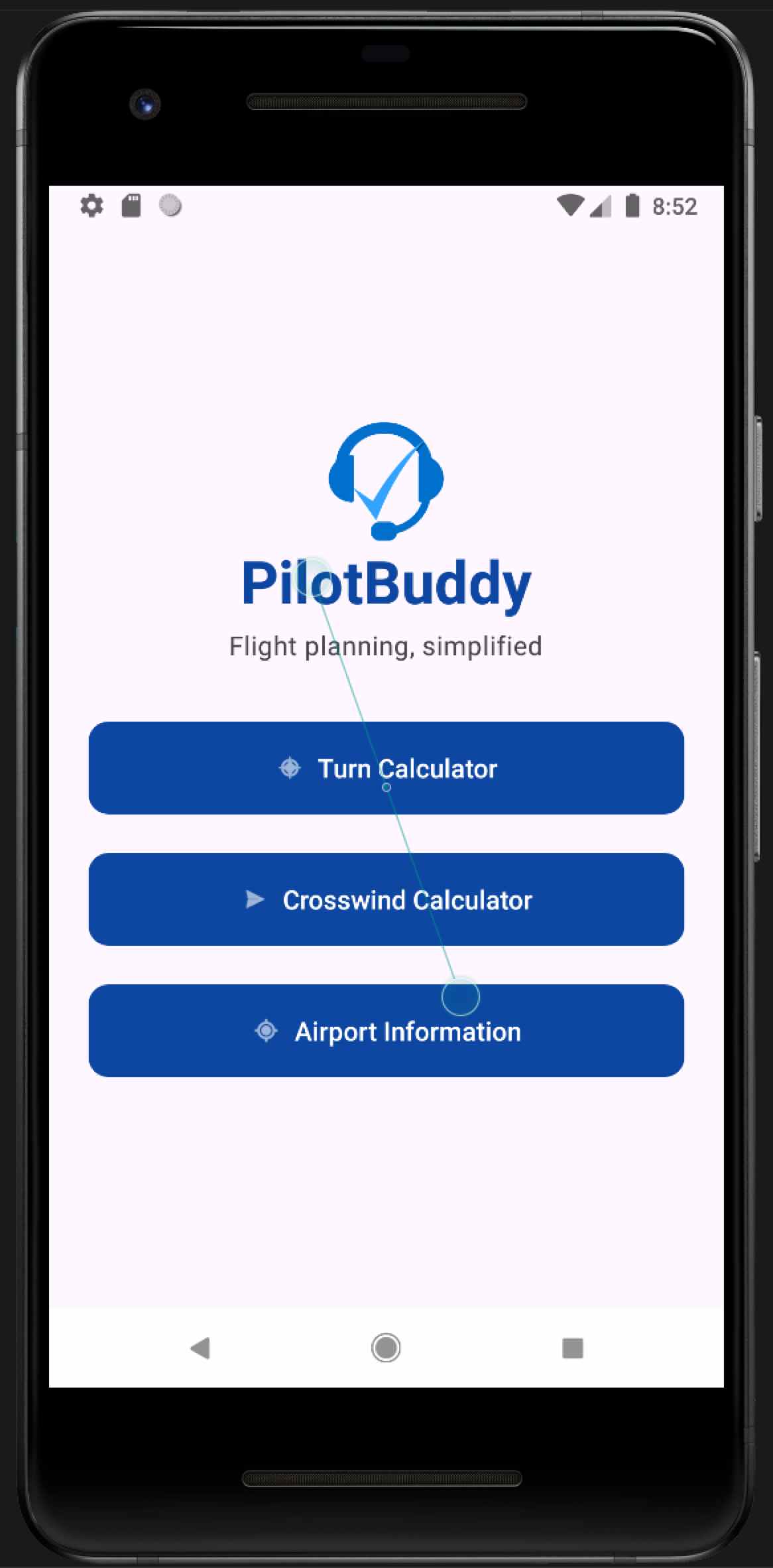
Turn calculator
Enter your current heading and see the heading after a 90°, 180° and 270° turn — handy for procedure turns and course reversals.

Your flight sim co-pilot.
Three tools flight simmers reach for most — course reversal headings, crosswind and headwind components, and airport runways and frequencies — in one offline app for iPhone, iPad and Android. For flight simulator use only.
Overview
In a flight simulator you often work wind-triangle maths on a paper E6B, look up runways in one place and frequencies in another, and do course reversal headings in your head — usually while the sim keeps flying.
Pilot Buddy puts the three most-used calculations and references into one app on your phone or tablet, so the answer is on screen as soon as you finish typing.
Everything is calculated on the device, and airport data ships inside the app, so it works without a connection. Pilot Buddy is for flight simulation only and is not for real-world navigation.
Features
Enter your current heading and see the heading after a 90°, 180° and 270° turn — handy for procedure turns and course reversals.
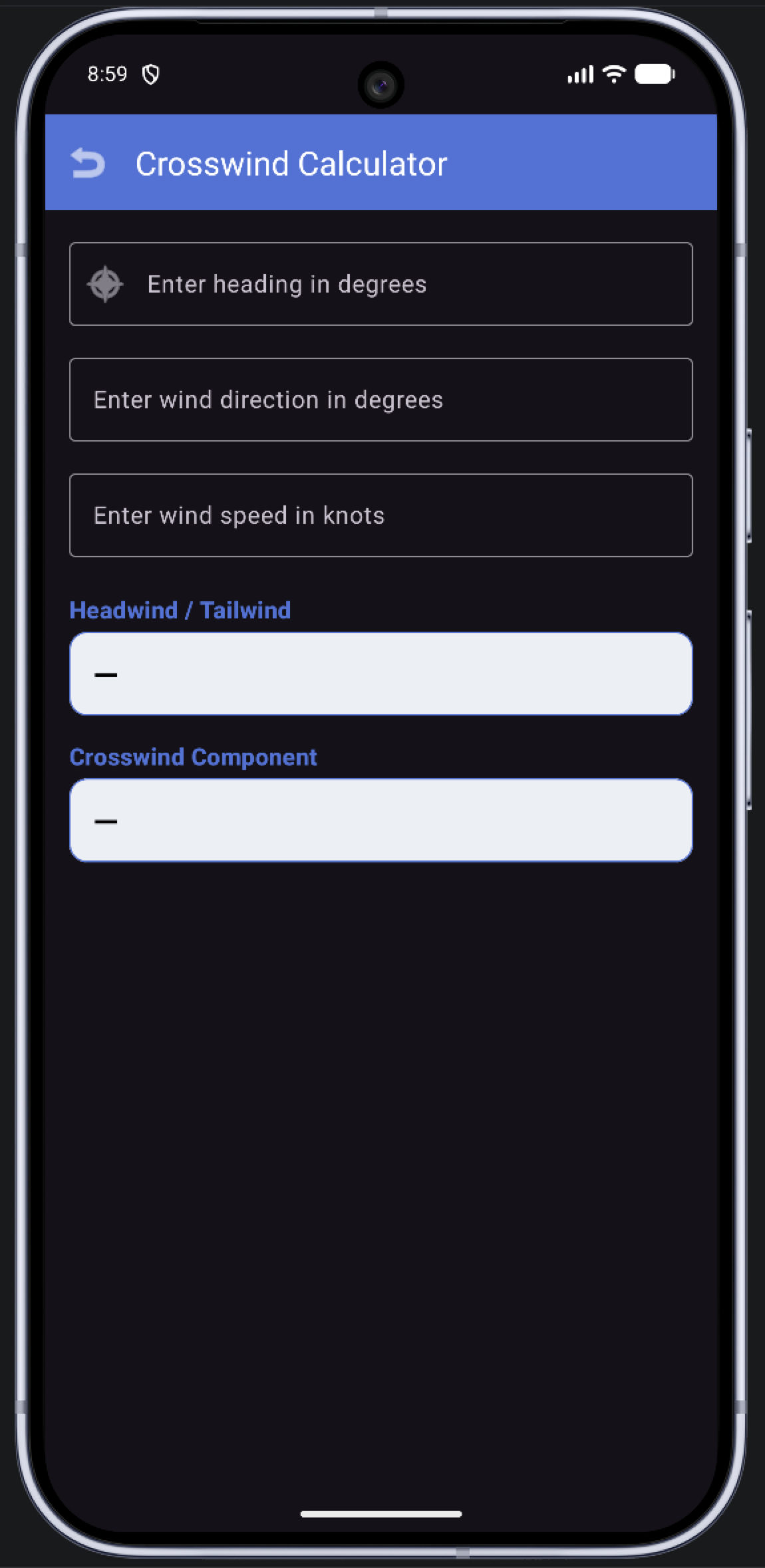
Enter the runway or aircraft heading, the wind direction and the wind speed in knots. Pilot Buddy shows the headwind or tailwind component and the crosswind component, and which side it comes from.
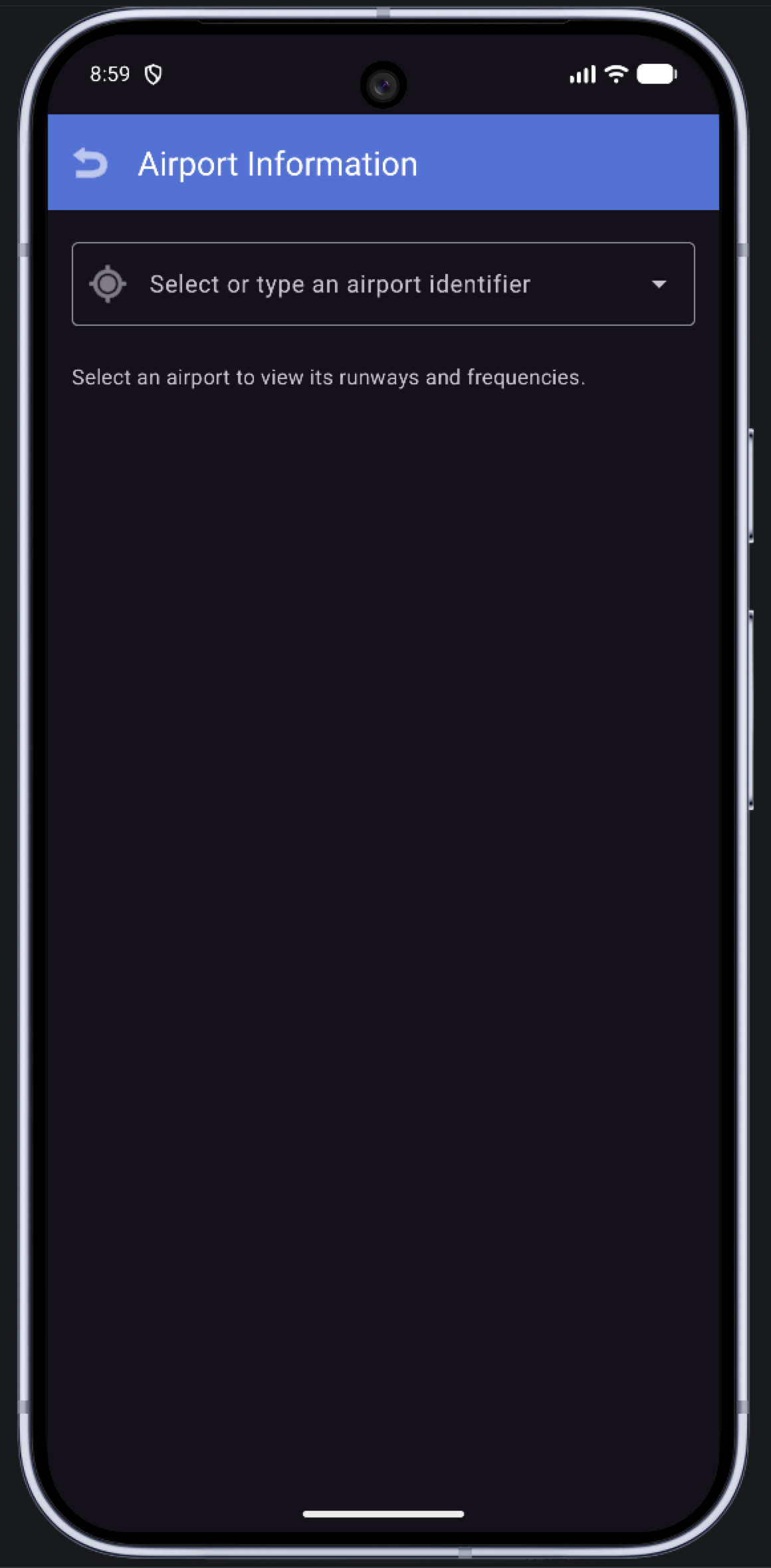
Type or pick an airport identifier to see its runways — designator, length and surface — and its radio frequencies, such as ATIS, ground and tower.
Use cases
Check the crosswind for each runway before you pick one for your simulated departure or arrival.
Check your E6B and mental-maths answers while you practise in a simulator.
Look up a runway length or a frequency for your sim flight without leaving the cockpit view.
Gallery
Compatibility
Follow the updates page for release news. Questions in the meantime are always welcome.
Read the latest updatesNo. Calculations run on your device and the airport database is built into the app.
The built-in database has about 48,000 airports worldwide, each with its runways and the frequencies on record.
No. Pilot Buddy is for flight simulation only. Its data may be inaccurate, incomplete or out of date, and it is not approved for real-world flight planning or navigation.
Pilot Buddy is coming soon to both. Releases will be announced on this site.
For flight simulator use only. Pilot Buddy is not approved for real-world flight planning, navigation or any operational aviation use. Its information may be inaccurate, incomplete or out of date. Never use it in place of official charts, certified avionics, NOTAMs or guidance from air traffic control.
Troubleshooting, answers and a direct line to the developer.
Get helpMore from Chris
 Coming soon to the App Store
Private meeting notes, made on your Mac.
On Record listens to your meetings and writes them up — summary, decisions, action items and a full transcript — with every point linked to the moment it was said. All of it is made on your own Mac.
 Available now
A voice-controlled checklist co-pilot for your flight simulator.
CoPilot Checklist reads your aircraft checklists aloud and listens for your responses, so you can run challenge-and-response checklists hands-free in your Windows flight simulator.